
Plugins und Mods
Dalamud-Plugins erweitern Final Fantasy XIV im laufenden Spiel. Du installierst sie im Plugin-Installer, den der Chatbefehl /xlplugins öffnet, sobald das Spiel über XIVLauncher gestartet ist.
Jedes Plugin ist für eine Dalamud-API-Stufe gebaut. Wechselt Dalamud auf eine neue Stufe, zeigt der Installer Plugins der vorigen Stufe mit „(veraltet)“, und sie bleiben aus, bis ihre Autoren sie aktualisieren.
Mods von Nexus Mods ersetzen Modelle, Texturen und Klänge des Spiels auf deinem eigenen Client und werden mit Penumbra oder TexTools geladen.

Display profiles from Chaos Archives, Crystal Archives, and Central Archives in-game
Customizable, Source Engine-styled position info
Allows replacing every text box with the background of your choice.

OverlayPlugin for Dalamud with built in HUD replacement
Display estimated stats with Examine, and export gear to Etro/Ariyala.
Makes Nael quotes more visible.
Modify the magitude of your minimap's markers!
Control OBS by websocket
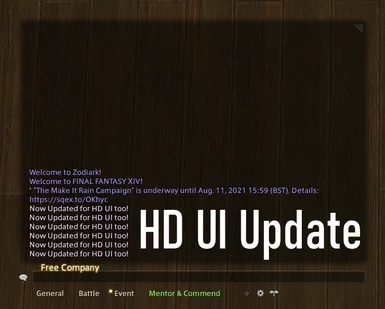
This simple mod removes the grey boxes of the chat tabs to make the chat look clean. Now works with the HD hud update.
BenötigtTexTools
Like /bgm but automatic
Add contrast to your status icons

Toggle controller / mouse mode automatically or with commands.
ZeeDees, bring the Zs to your Ds!
A 2D pool game inside Final Fantasy XIV.
Import map coordinates to echo chat.
Automatically finely scales the game UI by resolution.
Save and load actions into hotbars without taking up extra job hotbars.
Shows an overlay and/or sends alerts when your held currency items (or non-currency items) match configurable rules. A spiritual successor to CurrencyAlert.
Give your UI that premium, acrylic look upgrade. Because Eorzea looks better with some blur.
Tobii and Eyeware Eye and Opentrack tracker support for FFXIV
Total control over where to put your hotbar slots.
Never think too hard about your bags again!
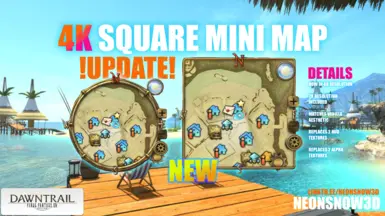
✨Square mini map that allows for more visibility!✨
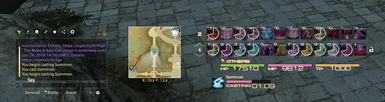
Revamps the default UI by adding a transparent skin on the windows with clear, sharp outlines and converting HUD elements to more modern versions. Works with patch 5.5 & 4k textures.
BenötigtTexTools
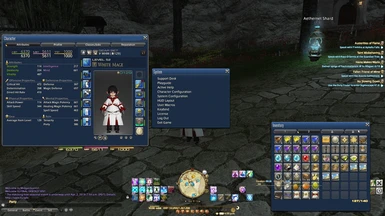
The default UI recolored to classic Final Fantasy blue
Ever forget who you are? We can fix that!
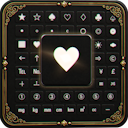
Adds a quick special-symbol picker beside the chat mode button.
A Plugin that lets you add notes to item Tooltips
See every item you and your party pick up, as it drops.
Adds QoL features to the native HUD layout editor: Undo, Redo, Copy, Paste and alignment lines.
Let the heavens guide you, not the map
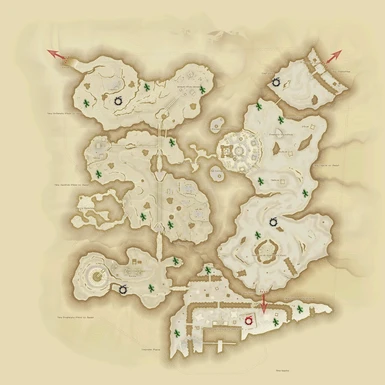
Replaces maps with a copy that has SS SB S A B ranks spawn locations, as well as Treasure map locations, including the new Br’aaxskin map.Green Cactuar: S, A, or B spawn location. Black Meteor circle: SS minion. Red Meteor circle: SS
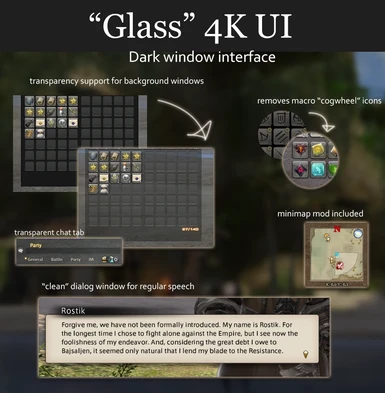
A dark glassy UI. Transparency is fully customizable to your preference. Includes optional extras such as minimap, skinny gauges, chat tab tweak, macro tweak & more.

Works perfectly out of the box! Use /ii to configure.
Gives the value of current targets health in Stormtalons from the dead game Wildstar.
Create custom map markers on the map/minimap! Like <flag> but permanent.
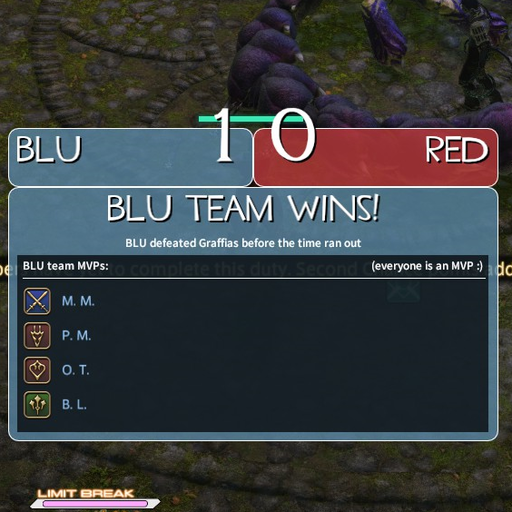
[REQUIRES TF2 INSTALLED FOR MOST FEATURES] The Mann Brothers just found a deposit of gravel in Eorzea and hired YOU, Mercenary of Light, to help them FIGHT for it.
Shows a tooltip with a little information for characters that the mouse is over.
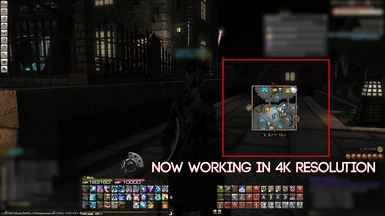
An updated version of -NS3D-'s VM Square Mini Map; now working with the updated 4K interface.
BenötigtTexTools
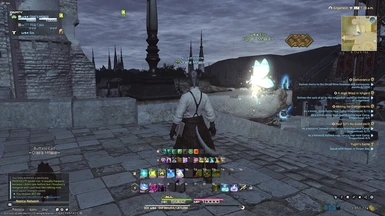
[Deprecated] The Darksteel UI mod, updated to 5.4 and merged with the black version of Material UI.
BenötigtTexTools