FFXIV Dalamud plugins and mods: install, update after a patch, find by goal
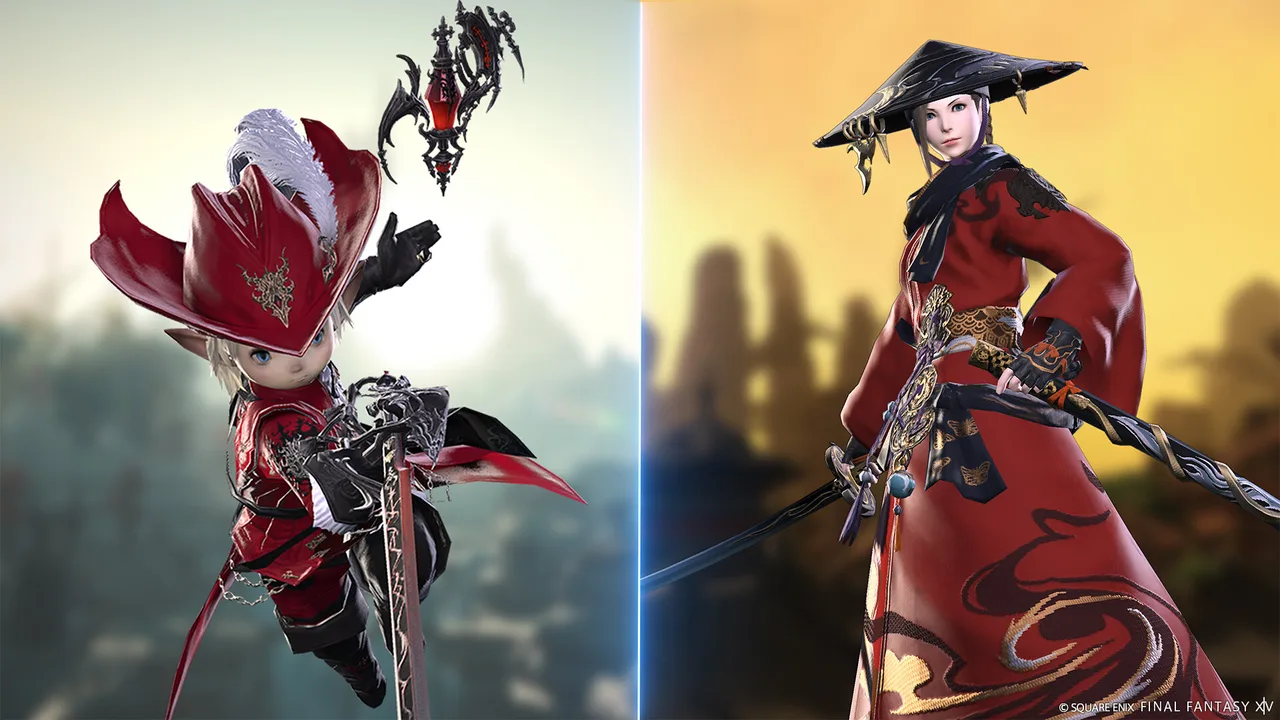
Plugins and mods change different parts of the game. A Dalamud plugin adds features while the game runs: a crafting solver, a market price on an item tooltip, a reminder for a missing tank stance. A mod replaces files the game draws or plays, such as a gear model, a texture or a sound, and only your own client sees the change. The plugin and mod directory lists both, sorted by what they do for you.
How do I install a Dalamud plugin?
Start the game through XIVLauncher with Dalamud enabled. In game, type /xlplugins in chat to open the Plugin Installer. Under All Plugins, search for the plugin by name and choose Install. The plugin's own settings window opens from its entry under Installed Plugins or through the chat command the plugin lists in its description.
Without custom repositories, the installer lists only the official repository. To find a plugin there by purpose, open the directory with the Dalamud plugins source selected and pick a goal, for example crafting, gathering and market. Each name opens the plugin's project page, where its author documents commands and settings.
Why did my plugins stop working after an update?
Every plugin is built for one Dalamud API level. When Dalamud moves to a new level, usually with a large game patch, plugins built for the previous level show (outdated) in the installer and do not load until their authors release an update. Plugins two or more levels behind no longer appear in the installer at all.
The directory marks each plugin with its API level. The current API filter leaves only plugins that load on the live Dalamud release; the outdated filter lists the ones still waiting for their authors. Sorting by Last Update shows which plugins were updated most recently.
What are testing plugins?
Some plugins are published only as testing builds. They appear in the installer after you open Dalamud Settings with /xlsettings and turn on Get plugin testing builds in the Experimental tab. The directory labels these plugins Testing only.
How are mods loaded?
Mods from Nexus Mods are files for a mod loader, not plugins. Most FFXIV mods are made for Penumbra, a Dalamud plugin installed from its own repository under Custom Plugin Repositories in the Experimental tab, or for TexTools, a separate program that writes mods into the game files. Each directory row names the loader the mod asks for under Requires; choose a loader in the Runs with filter to see only mods for it.
Gear mods often need a body base such as The Body SE or Bibo+. The Requires line lists those bases with a link to their page. Where a mod names the gear it replaces, the row links that item, so you can open its page and see its level, job and where it drops.