Plugins and mods
Dalamud plugins add features to Final Fantasy XIV while it runs. You install them from the Plugin Installer, which the /xlplugins chat command opens once the game is started through XIVLauncher.
Each plugin is built for one Dalamud API level. When Dalamud moves to a new level, plugins built for the previous one show (outdated) in the installer and stay off until their authors update them.
Mods from Nexus Mods replace the game’s models, textures and sounds on your own client and are loaded with Penumbra or TexTools.
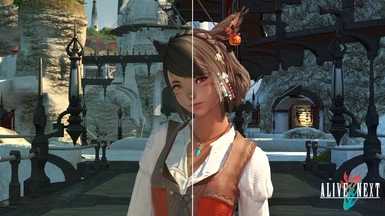
Alive Reshade Preset
A collection of subtle Reshade presets that makes the world of Eorzea more Alive. Color settings, atmospheric fog, and SSAO have been fine tuned to give you a perfectly playable experience, without having the game look washed out.
RequiresReShade

FFXIV SFX Overhaul - Footsteps 2.0
Series I: Footsteps 2.0 replaces the default footstep sounds with a more realistic mix designed to better match FFXIV’s environments. Covers wet and dry sounds, Chocobo feet and flight, clothing sounds, and more!
RequiresPenumbraXIV Quick Launcher
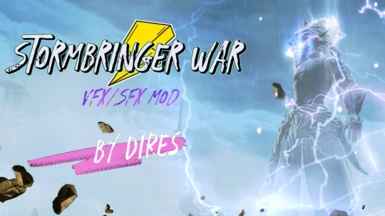

Remove all targeting icons
This completely removes all targeting icons such as the arrow and the locked cursor that comes up when the target is locked. Does not affect anything else - only the icons, as everything else can be hidden or turned off in the settings.
